Sudeep Shrestha

Exploring Windows Sandbox: Safe Testing Environment for Windows Users

Have you ever wished for a quick, disposable Windows environment to test software, open suspicious files, or tweak settings without risking your main system? Windows Sandbox is the perfect solution built right into Windows 10 and Windows 11 (Pro and Enterprise editions). It provides a secure, lightweight, and isolated virtual

How to Install WSL (Windows Subsystem for Linux) on Windows 11

Running Linux on Windows has never been easier. With Windows Subsystem for Linux (WSL), you can install and run a full Linux environment directly inside Windows — without needing a virtual machine or dual boot setup. This is especially helpful for developers, IT support technicians, and anyone who needs Linux tools

Share a USB Printer Over LAN on Windows 11

Step-by-step guide for home & small office networks Sharing a USB printer across your local network allows multiple computers to print without needing a dedicated print server. Windows 11 makes this process simple — you only need to configure sharing on the computer that the printer is physically connected to (the

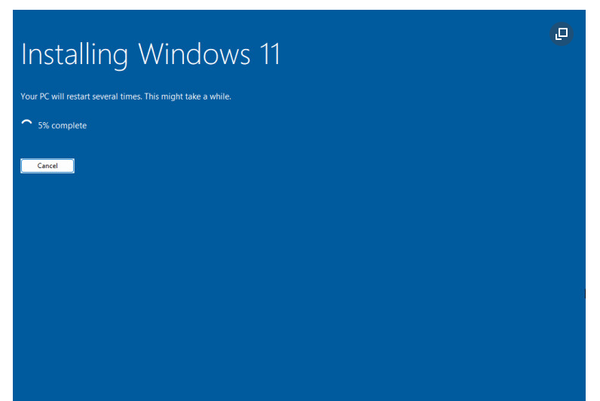
How to Create Windows 11 Installation Media — The Official Microsoft Way

If you're looking to install or reinstall Windows 11 (for example on a new PC or to start fresh), the most reliable method is to use the official tools and instructions from Microsoft. Below is a step-by-step blog-style guide to walk you through the process — from preparation to

How to make a Windows 11 Installation USB Drive.

What You’ll Need * A USB flash drive at least 8 GB in size (ideally empty or you’ve backed up any data on it) * A PC with internet access to download the ISO + Rufus * A system which supports booting from USB (check BIOS/UEFI settings) * For best compatibility: a

Sudeep Shrestha © 2026